Offices Are Built Around Desks and Chairs. Employees Need More.
If you manage an office, you probably recognize the pattern. The floor plan is a grid of desks and chairs, the furniture was chosen for cost and appearance, and the working day for most employees means long stretches of sitting. Meanwhile, you are increasingly expected to deliver spaces that are functional, comfortable and supportive of employee wellbeing, often without more floor space or a bigger budget.
Active workstations are one practical way to respond. Active workstations combine traditional work surfaces with movement-friendly furniture and equipment, allowing employees to change positions and incorporate light physical activity during the workday. They don’t replace good ergonomics or a wider wellness programme. They add something a standard desk can’t: a built in reason and an easy way to move.
This guide is written for facility managers, HR managers, office administrators and workplace designers. It explains what active workstations are, the main types, how to choose between them, how to roll them out in stages and the mistakes to avoid.
What Are Active Workstations?
An active workstation is a work setup that supports multiple working positions or light movement while a person performs their normal tasks, such as a sit stand desk, a desk exercise bike, a walking workstation or movement oriented seating. The aim is to make changing position and light movement part of the working routine, rather than something employees must schedule separately.
How they differ from a traditional workstation comes down to flexibility. A conventional workstation is designed for one posture, seated and assumes the employee will find their own opportunities to move. An active workstation assumes the opposite: that movement and variety need to be designed in.
Traditional Workstations vs. Active Workstations
| Traditional workstation | Active workstation |
|---|---|
| Primarily designed for sitting | Supports multiple working positions |
| Limited movement opportunities | Encourages movement throughout the day |
| Fixed workstation setup | Flexible workstation options |
| Conventional office furniture | Movement oriented furniture and equipment |
Why Should Facility Managers Consider Active Workstations?
Public health guidance points in a consistent direction. The World Health Organization’s 2020 guidelines on physical activity and sedentary behaviour advise adults to limit the amount of time they spend sedentary, and report that replacing sedentary time with physical activity of any intensity, including light activity, provides health benefits. The same guidelines note that the evidence was not sufficient to set a specific sedentary time threshold.
For an office, that has a practical implication: light movement counts, and the working day is where many adults spend long periods sitting. Active workstations are a way to make light movement easier at work. They are not a guarantee of any health or productivity outcome, and results will vary from person to person and from workplace to workplace.
Encourage More Movement During the Workday
Movement friendly furniture creates opportunities for employees to change position or move without leaving their desk. A person who can raise the desk for a call, or pedal gently while reading, has more options than someone with a fixed desk.
Support Employee Wellness Initiatives
Active workstations can complement corporate wellness programmes. Step challenges, wellbeing talks and ergonomic training are all more effective when the workplace itself reinforces the message. Equipment gives employees something concrete to use.
Improve Workplace Flexibility
Different people prefer different ways of working. Some employees like to stand for calls, others prefer to sit for focused work, and some want a movement option for routine tasks. Offering several workstation configurations lets the office accommodate these preferences.
Make Better Use of Existing Office Space
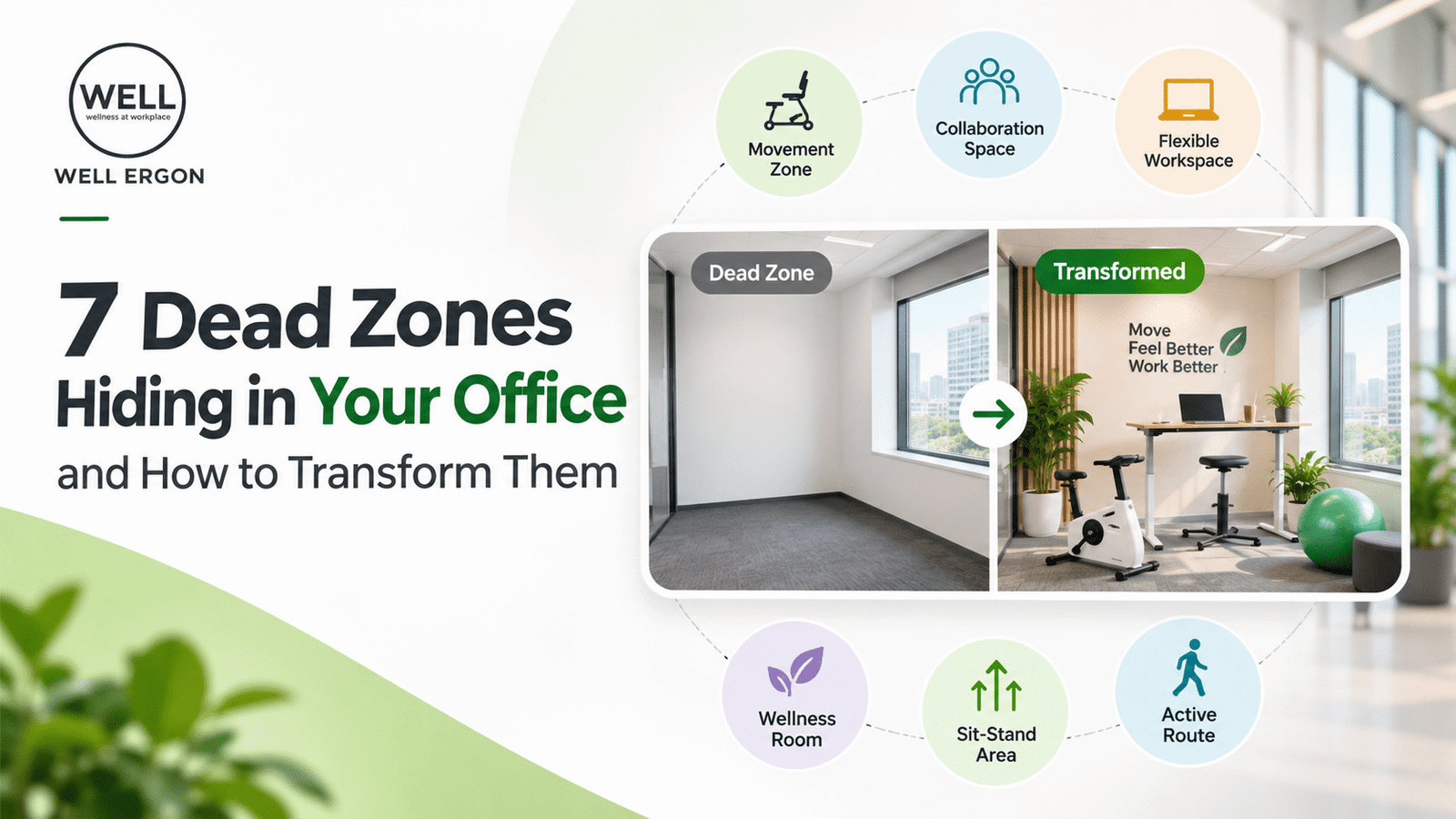
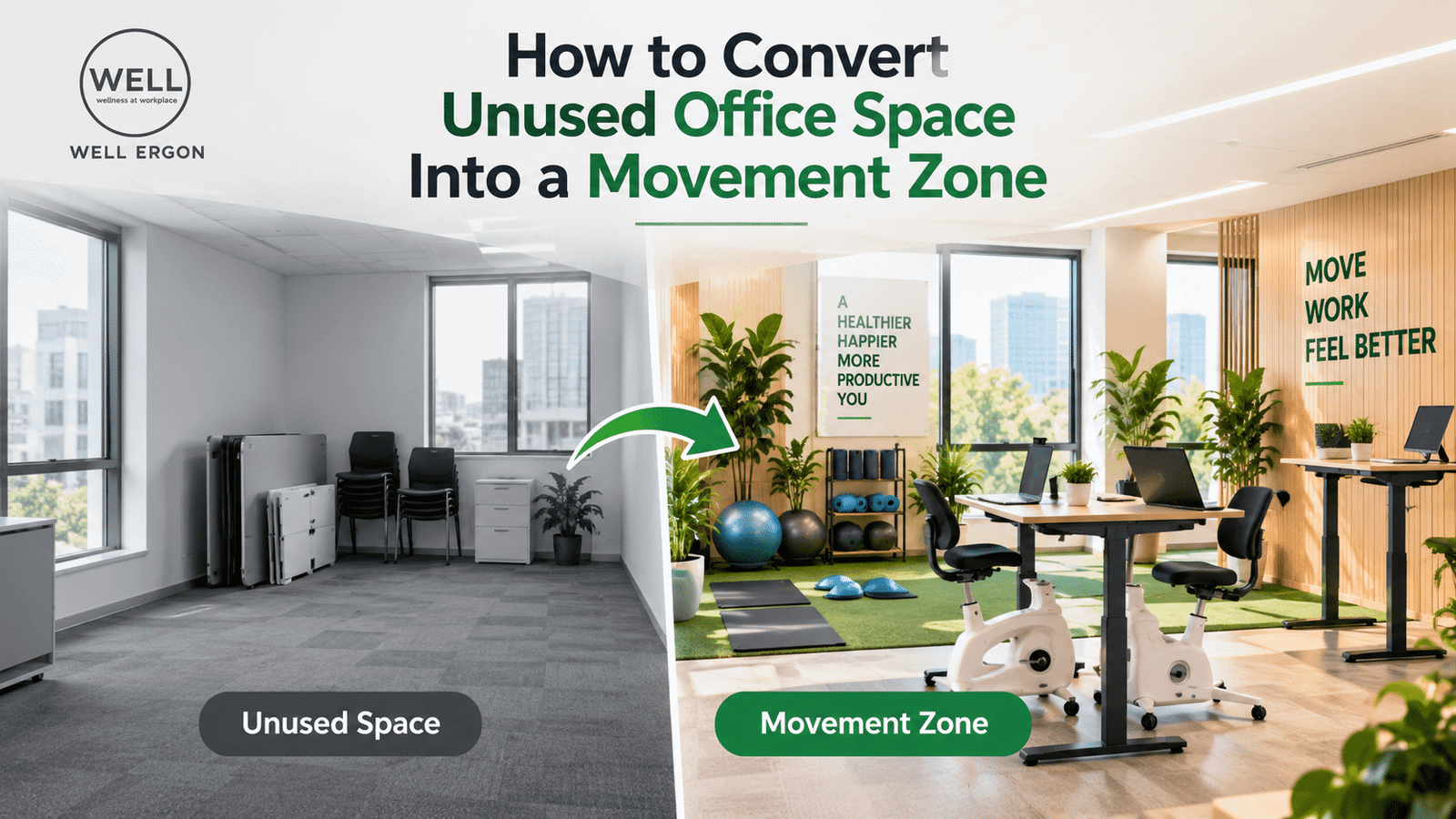
Unused corners, collaboration areas and underutilized spaces can often host movement-friendly solutions. If you manage a floor with a few dead zones, an active workstation can turn one of them into a purposeful area without a renovation. For ideas, see our guide to converting unused office space into a movement zone.
Support a Modern Workplace Experience
Hybrid working has raised expectations of the office. Spaces that offer flexibility and support wellbeing give employees a reason to come in, and make the office feel more adaptable and employee focused.
Types of Active Workstations Every Facility Manager Should Know
There is no single best active workstation. The five types below suit different tasks, spaces and employees.
1. Sit Stand Workstations
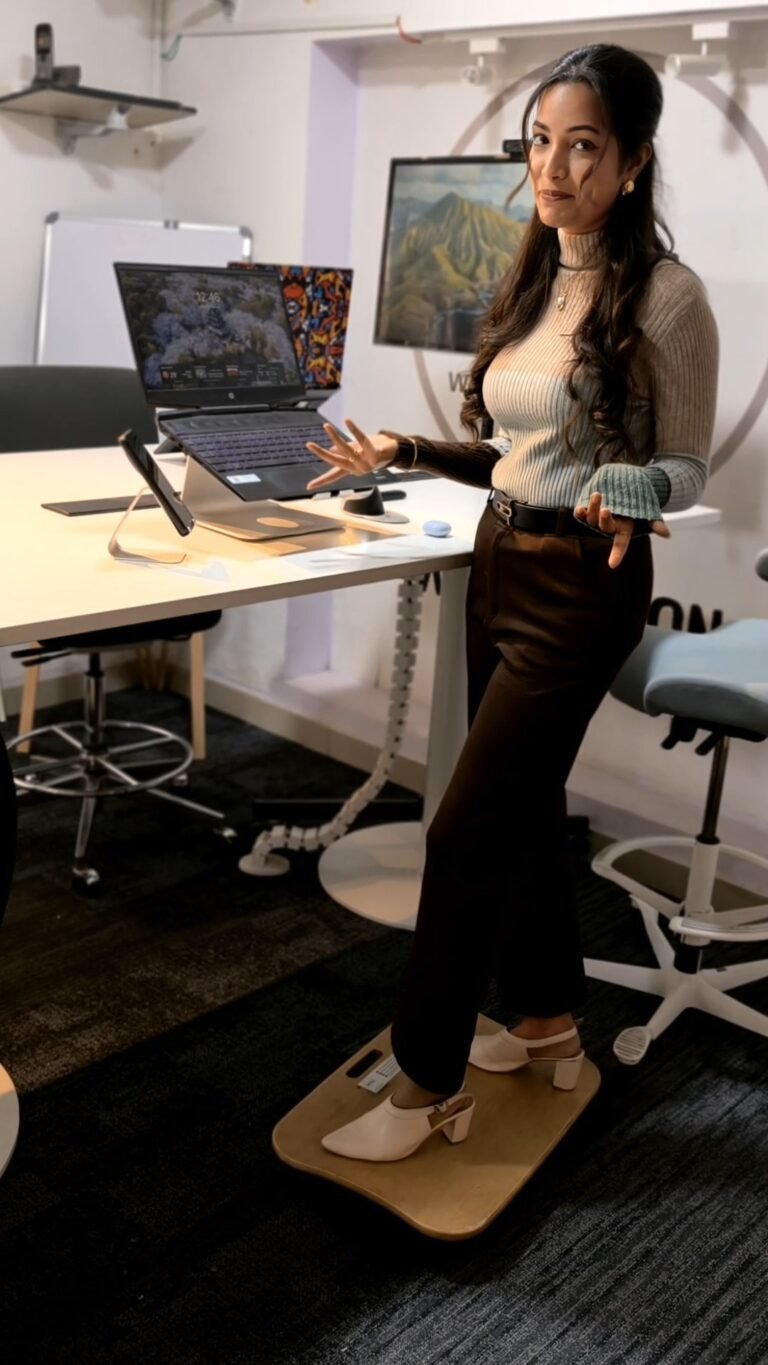
Sit stand workstations are adjustable height desks that allow employees to alternate between sitting and standing while working. They are the most widely recognized active workstation and often the easiest to introduce, because employees already know how to use a desk.
Best suited to: Individual desks, hot desks and general office work.
Facility considerations: Check the height range against your employees, cable management for moving desks, floor space for the desk’s full travel, and power requirements for electric models. Employees should also be shown how to set the height correctly, with elbows near a comfortable typing angle and the screen at eye level. Standing is not a cure-all. Standing for long periods brings its own fatigue, so the goal is to alternate positions rather than swap one static posture for another.
2. Desk Exercise Bike Workstations
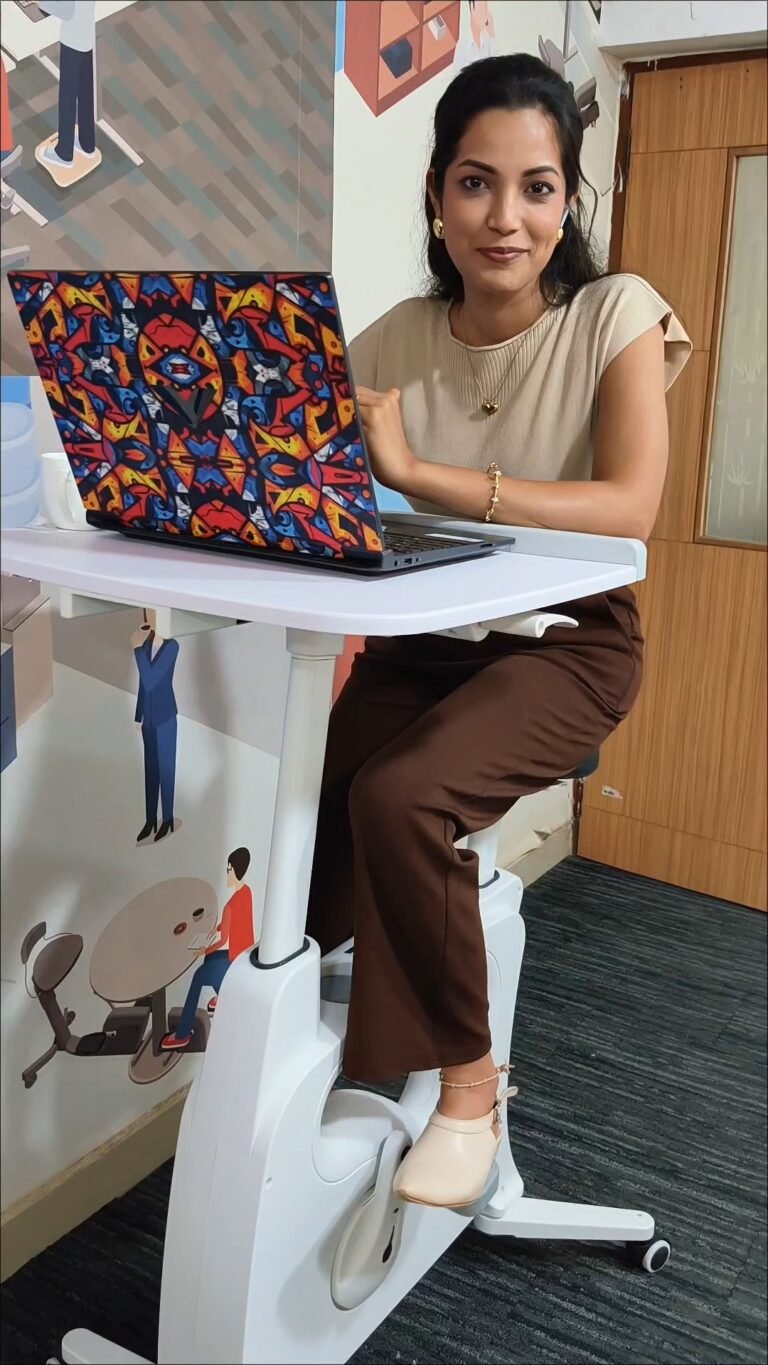
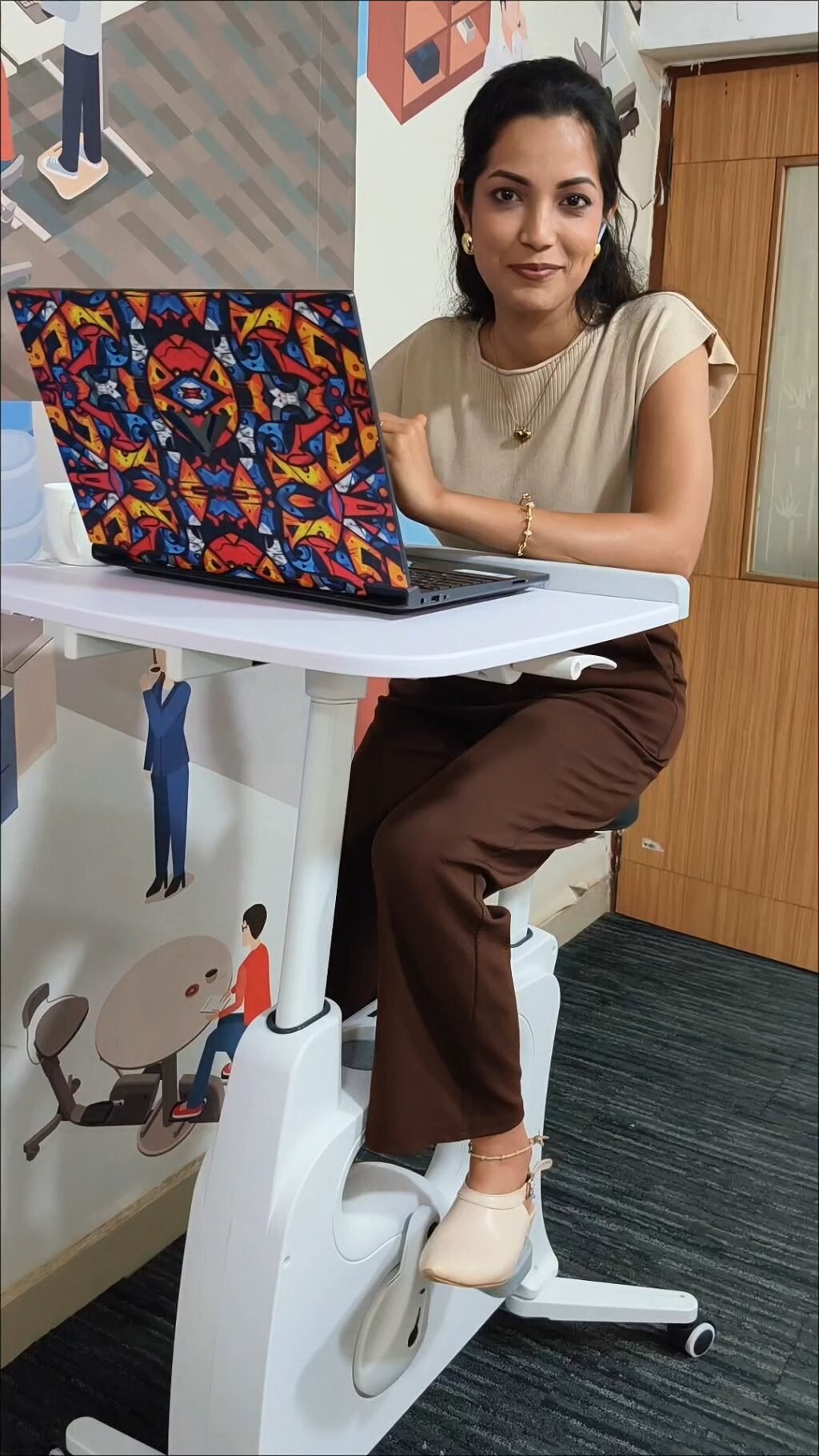
Desk exercise bikes allow employees to pedal gently while performing suitable desk based tasks. They suit work that doesn’t need fine motor precision, such as reading, calls and routine administration.
WellErgon’s Charge Up Bike is an example in this category, and our desk exercise bike range covers other options.
Best suited to: Individual workstations, compact movement corners and wellness zones.
Facility considerations: Measure the footprint and required clearance from the manufacturer’s current specifications, check whether the equipment needs a power outlet and think about noise near quiet work areas. Keep walkways and emergency routes clear.
3. Walking Workstations
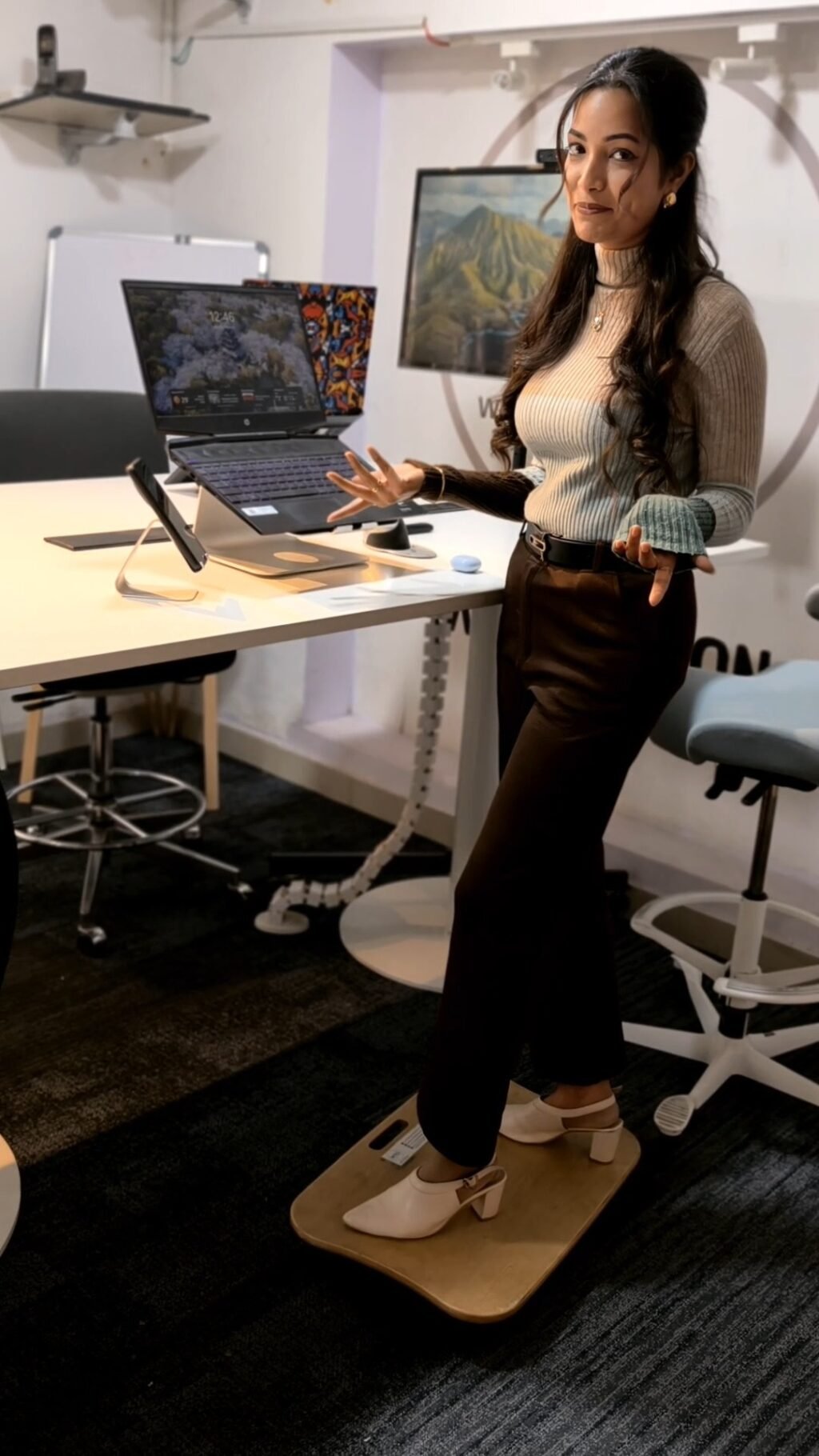
Walking workstations are walking pads or treadmill desks that combine low-intensity walking with compatible work activities. Speeds are typically slow, designed for light activity rather than exercise.
Best suited to: Larger spaces, dedicated active zones and areas away from busy walkways.
Facility considerations: These need more floor space and clear operating guidance. Place them where someone walking slowly won’t conflict with people moving briskly through and check flooring, safety guidance and maintenance requirements.
4. Active Sitting Workstations
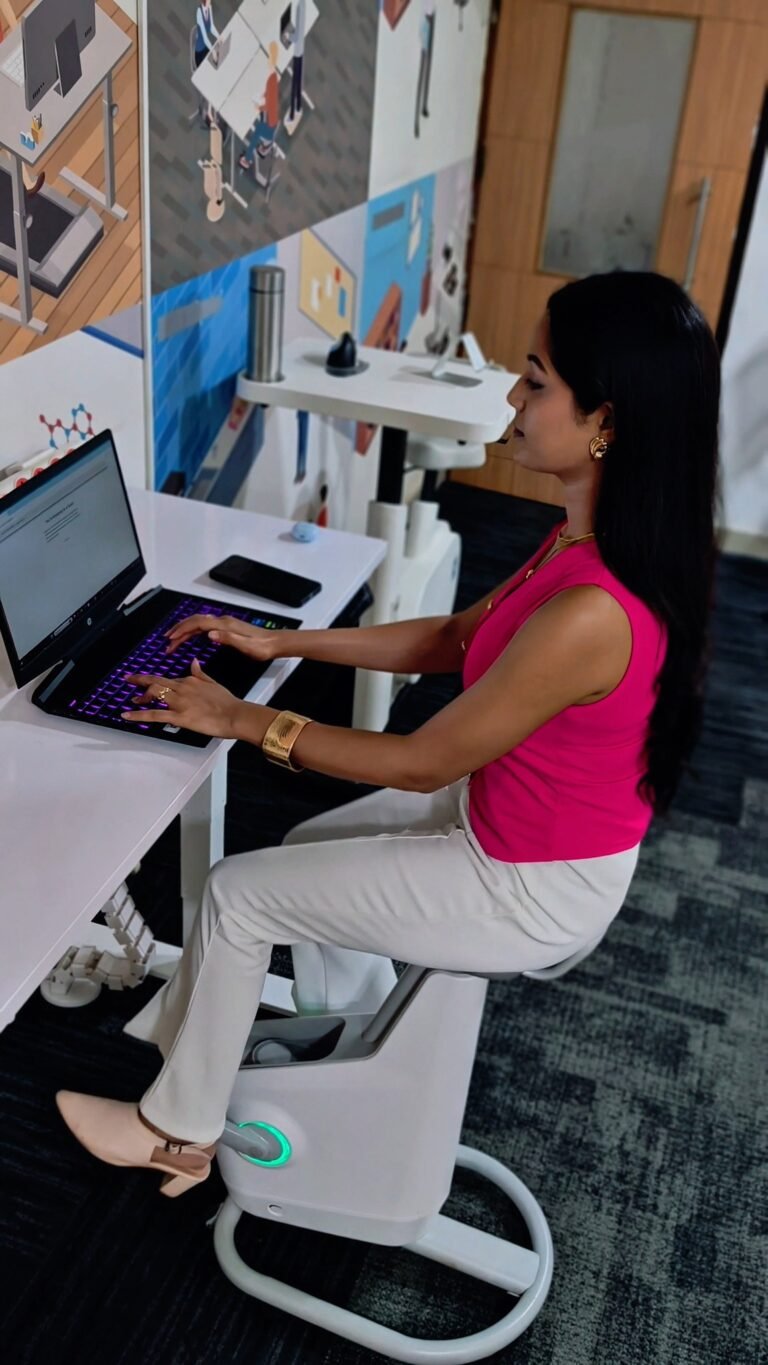
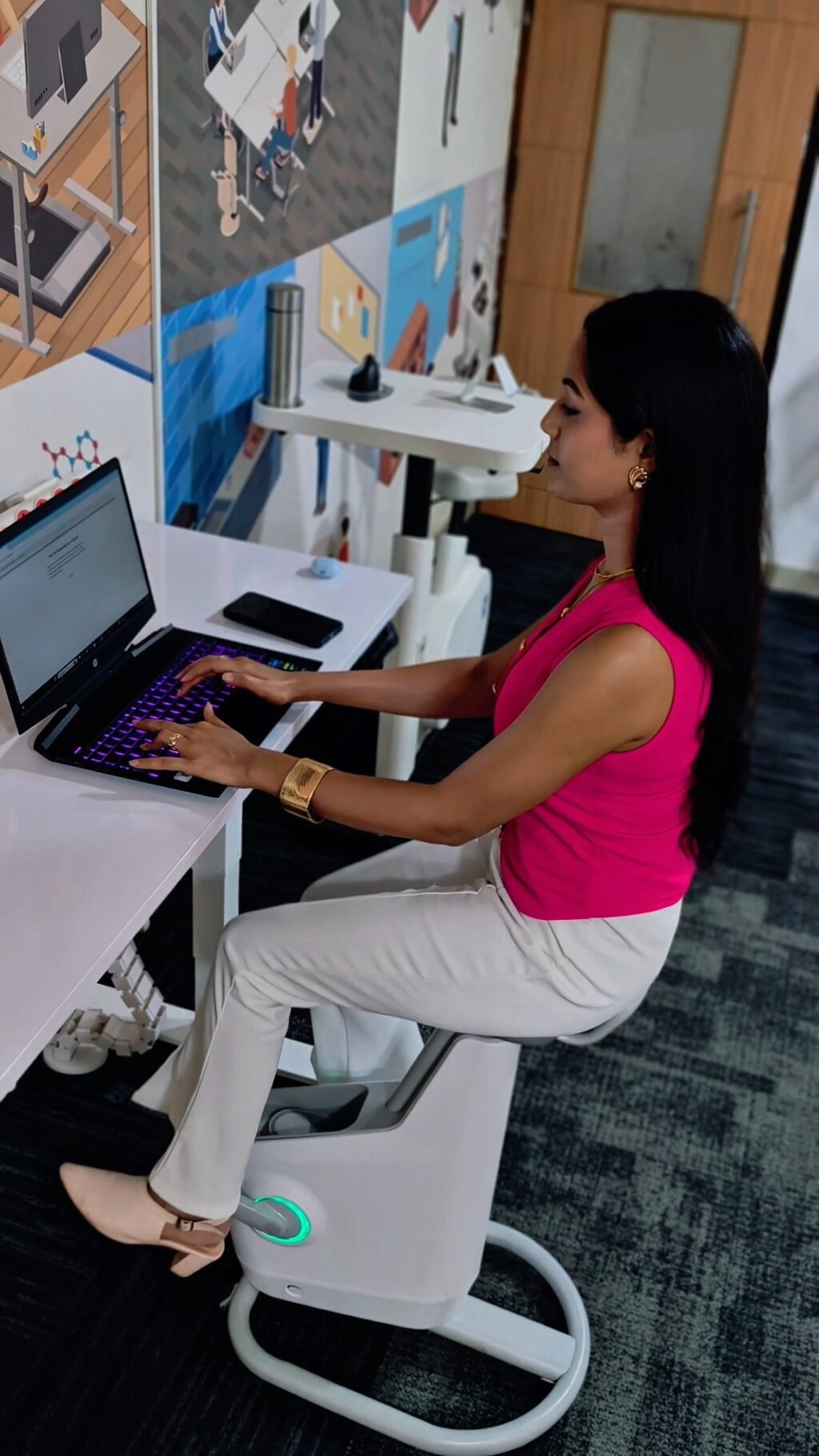
Active sitting workstations use cycle chairs and other movement oriented seating to introduce gentle movement into seated work. They suit employees who prefer to stay seated but want more movement than a standard chair allows.
Best suited to: Designated movement friendly areas and employees who want a seated option.
Facility considerations: Check suitability for the intended tasks, stability, and whether the seating can be adjusted for different users.
5. Active Collaboration Workstations
Active collaboration workstations are huddle tables and movement-friendly collaboration spaces that support flexible meetings and informal interactions. Standing height tables, for example, can encourage shorter, more focused conversations and give people the option to stand.
Best suited to: Breakout areas, collaboration zones and informal meeting spaces.
Facility considerations: Plan circulation around the table, consider noise carrying to nearby desks, and offer seating options for people who prefer to sit.
Quick Comparison
| Type | Main purpose | Space needed | Suited to |
|---|---|---|---|
| Sit stand workstation | Alternate between sitting and standing | Standard desk footprint, plus clearance | General desk work |
| Desk exercise bike | Light pedalling during desk tasks | Compact, check clearance | Reading, calls, routine admin |
| Walking workstation | Low intensity walking while working | More floor space | Compatible tasks in a quieter area |
| Active sitting | Gentle movement while seated | Similar to a chair | Seated work with more movement |
| Active collaboration | Flexible, active meetings | Table plus circulation | Huddles and informal meetings |
How to Choose the Right Active Workstations for Your Office
Choosing active workstations starts with employee needs and available space, not with the product catalogue. Work through the five areas below before requesting quotations.
Evaluate Employee Needs and Work Patterns
- How many employees will use each workstation type?
- What is the nature of their daily tasks? Heavy typing and detailed design work suit different setups from calls and reading.
- What do employees prefer? A short survey tells you more than assumptions do.
- Do different teams have different requirements?
Assess Available Office Space
- What floor area is available, and how much clearance does each product need?
- Is there electrical access where required?
- Will movement pathways and emergency routes stay clear?
- How does the placement fit with current space utilization?
Consider Ergonomics and Adjustability
- Can desk heights be adjusted across the range of your employees?
- Is seating comfortable and adjustable?
- Are workstation dimensions suitable for the tasks?
- Is adjustment easy enough that employees will actually do it?
Review Product Quality and Maintenance Requirements
- How durable is the equipment under daily shared use?
- What warranty and service support is offered?
- What routine maintenance is needed, and who will do it?
- How long will the equipment remain usable?
Consider Budget and Return on Investment
- Initial purchase costs.
- Installation costs.
- Maintenance expenses.
- Long term workplace value.
Be careful with return-on-investment claims. Benefits such as comfort, flexibility and space utilization are real, but productivity, absenteeism and health outcomes depend on many factors beyond the equipment, so they should not be promised in a business case. Request current quotations from suppliers instead of relying on generic cost estimates.
How to Implement Active Workstations in Your Office
A staged rollout reduces risk and gives you real usage data before you commit to a larger investment.
Step 1: Conduct a Workplace Assessment
Evaluate existing workstations, employee requirements and underutilized areas. Note which spaces are heavily used, which sit empty, and where employees already stand, walk or gather informally.
Step 2: Identify Suitable Locations
Match locations to workstation types: individual workstations for sit stand desks, collaboration zones for huddle tables, breakout spaces for shared equipment, and dedicated wellness areas for walking or cycling setups.
Step 3: Select the Right Equipment
Choose a suitable combination of sit stand desks, cycle chairs, desk exercise bikes and other movement-friendly furniture. Avoid the assumption that every office needs every product. Fewer, well chosen items used regularly beat a crowded room of equipment nobody touches.
Step 4: Start With a Pilot Programme
Introduce active workstations in a small department or a designated area first. A pilot of a few weeks shows you how people actually use the equipment, what problems arise and what to adjust.
Step 5: Educate Employees
Provide simple guidance on adjusting the equipment, using it comfortably and building movement into the day. A short walkthrough or a one-page guide placed near the workstation often makes the difference between a well-used setup and an ignored one. Make participation voluntary and provide alternatives for employees who can’t or would rather not use a particular item.
Step 6: Monitor Usage and Collect Feedback
Track workstation usage, employee feedback, maintenance requirements and overall adoption. These measures show whether the changes have been implemented and are being used. They don’t on their own prove that the equipment caused changes in health or productivity.
Implementation Checklist
- Assessed current workstations and underutilized areas
- Surveyed employees about preferences and needs
- Measured spaces and confirmed equipment clearance and power needs
- Kept walkways, accessible routes and emergency exits clear
- Chosen a pilot area and a time frame
- Prepared simple usage guidance for employees
- Planned maintenance and assigned responsibility
- Set up a feedback method and a review date
Common Mistakes Facility Managers Should Avoid
- Installing active workstations without assessing employee needs. Equipment that doesn’t match how people work goes unused.
- Choosing equipment based only on appearance or price. Look at adjustability, durability and maintenance as well.
- Ignoring available office space and movement pathways. Active equipment should never obstruct circulation or emergency routes.
- Failing to educate employees about equipment usage. A sit-stand desk that nobody knows how to set up is just a desk.
- Introducing too many changes at once. A pilot is easier to manage and learn from.
- Not monitoring adoption and collecting feedback. Without data, you can’t tell what’s working.
How Active Workstations Fit Into a Workplace Wellness Strategy
Active workstations complement other wellness initiatives rather than replacing them. On their own they are one piece of a wider approach. They work best when combined with:
- Movement-friendly office design: accessible staircases, walkable routes and well-placed shared facilities.
- Employee wellness programmes: optional activities, education and support.
- Ergonomic workstation planning: correctly adjusted chairs, desks and screens.
- Active zones and wellness rooms: dedicated areas for movement and recovery.
- Flexible office furniture: layouts that can adapt as needs change.
- Movement breaks and activity initiatives: a culture that treats short breaks as normal.
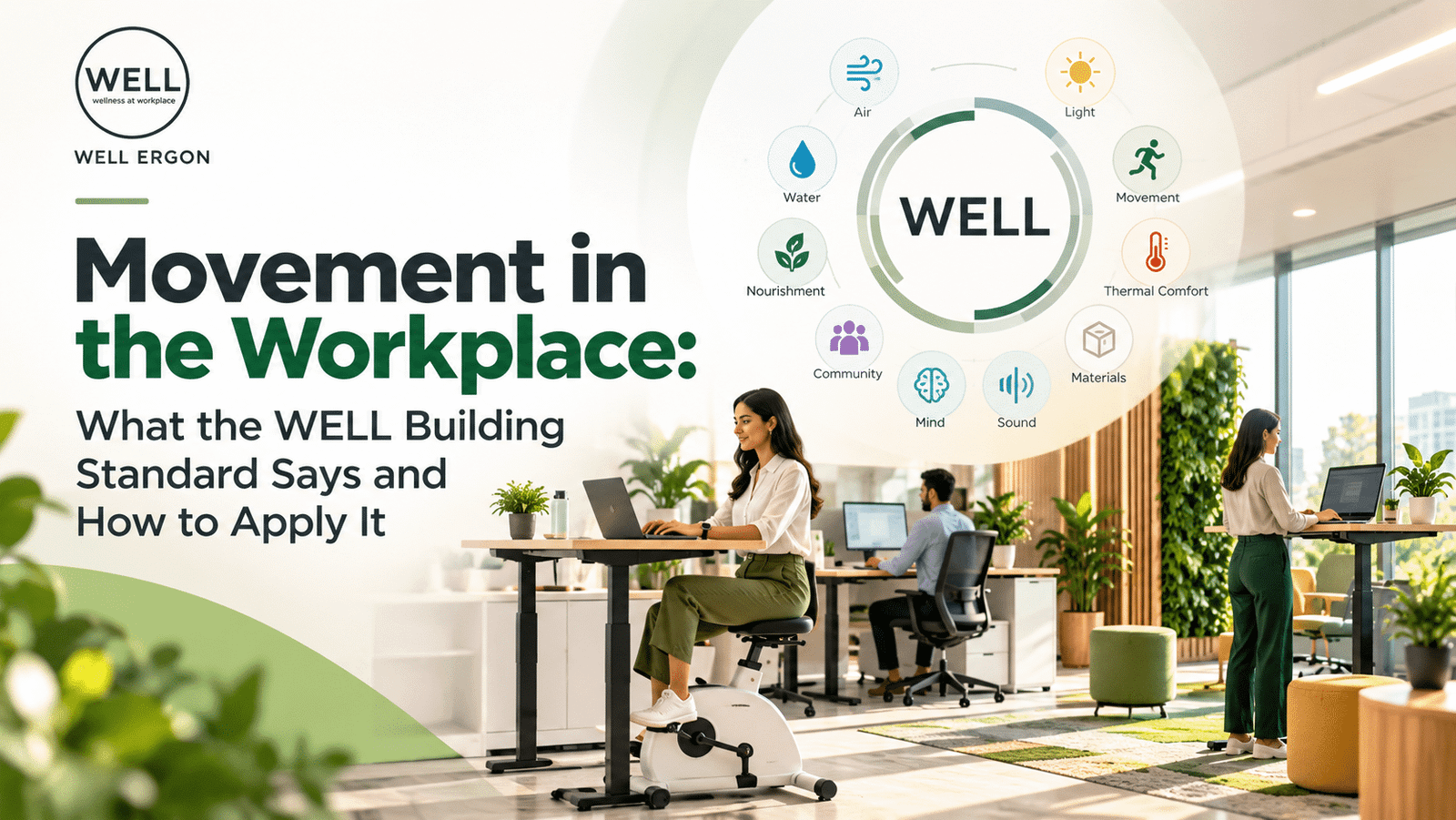
Frameworks such as the WELL Building Standard treat movement as one concept within a broader view of workplace health, covering building design, ergonomics and supportive policies. If your organization is pursuing WELL certification, check the applicable version and feature requirements, because buying equipment alone doesn’t earn certification. See our article on movement in the workplace and the WELL Building Standard for more detail.
How WellErgon Helps Create Movement Friendly Workplaces
WellErgon is a workplace wellness and ergonomic furniture solutions provider. Our range is designed to help organizations bring more movement into the working day, with options for different spaces and working styles:
- Active workstation solutions for modern offices.
- Movement-oriented furniture and equipment, including desk exercise bikes.
- Flexible solutions for individual desks, shared areas and dedicated zones.
- Products designed to support more movement during working hours.
- Support for organizations developing active zones and wellness-friendly workplaces, as part of our wider wellness furniture range.
Looking to make your workplace more movement-friendly? Explore WellErgon’s workplace wellness solutions and discover how your office can support a more active workday.
Frequently Asked Questions
What is an active workstation?
An active workstation is a work setup that lets employees change position or move lightly while doing their normal tasks. Examples include sit-stand desks, desk exercise bikes, walking workstations and movement-oriented seating.
What are the benefits of active workstations in an office?
They can make it easier for employees to change position and move during the day, support wellness initiatives, offer flexibility for different working preferences and make better use of existing space. Outcomes such as productivity or health depend on many factors and shouldn’t be guaranteed.
What types of active workstations are available?
The main types are sit-stand workstations, desk exercise bike workstations, walking workstations, active sitting workstations and active collaboration workstations such as huddle tables.
Are active workstations suitable for every employee?
Not necessarily. Needs, abilities and preferences differ, so offer a choice of options, make participation voluntary and provide alternatives. Employees with health concerns should follow advice from their own healthcare provider.
How much space is required for an active workstation?
It depends on the type. A sit stand desk needs roughly a standard desk footprint plus clearance for its height range, while walking workstations need more. Always check the manufacturer’s dimensions and required clearance, and keep walkways and emergency routes clear.
How do facility managers choose the right active workstation?
Start with employee needs and work patterns, then assess space, ergonomics and adjustability, product quality and maintenance, and budget. A small pilot helps confirm the choice before wider rollout.
Are sit-stand desks considered active workstations?
Yes. Sit stand desks are the most common active workstation because they let employees alternate between sitting and standing. Standing should be combined with sitting and movement rather than replacing one static posture with another.
How can companies introduce active workstations on a limited budget?
Start small: convert one or two workstations or one unused corner, run a pilot, gather feedback and expand gradually. Request current quotations rather than relying on generic estimates.
What is the difference between an ergonomic workstation and an active workstation?
An ergonomic workstation is set up to fit the user’s body and tasks, with adjustable chairs, desks and screens. An active workstation adds opportunities to change position or move. The two work best together: an active workstation that is poorly adjusted won’t be comfortable, and an ergonomic one that encourages ten hours of stillness misses the movement side.
How can active workstations support employee wellness?
They make light movement and posture changes easier during working hours, which complements wellness programmes, ergonomic training and movement breaks. They support a wellness strategy but don’t replace it.