Why Your Workspace Might Be a Dead Zone
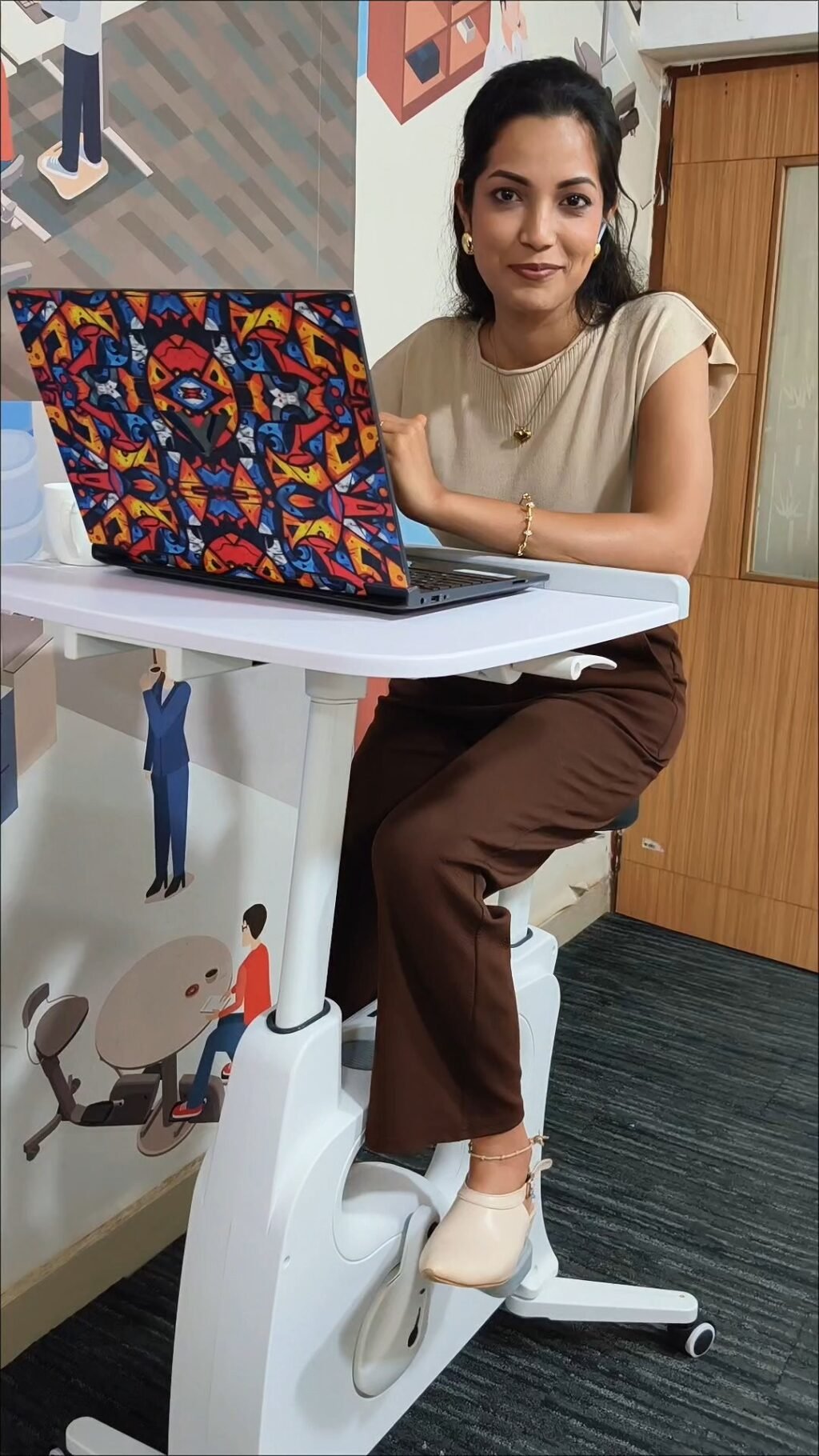
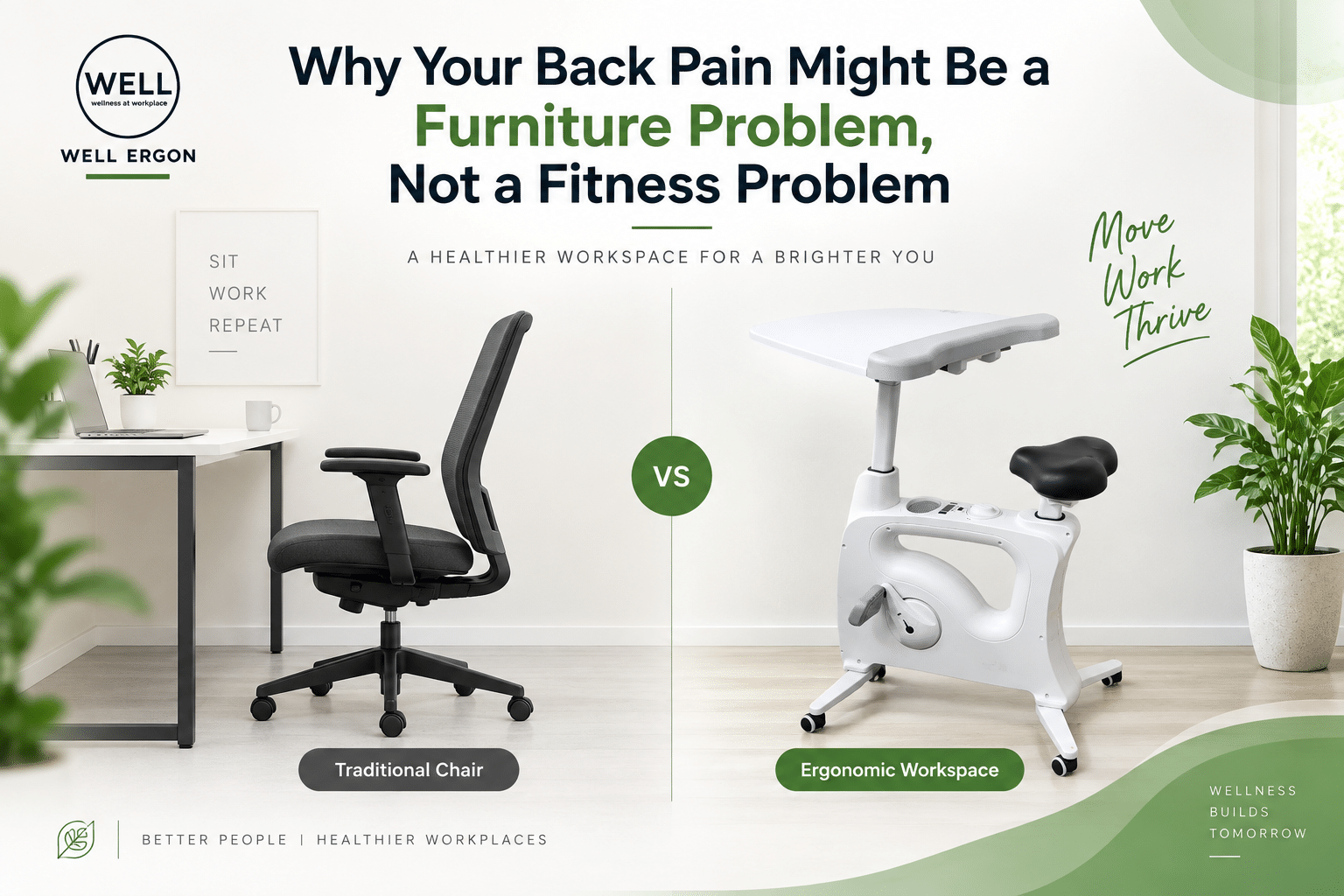
Most office setups are built for one posture, seated, still, facing a screen for eight plus hours a day. Over time, this creates what ergonomists call a dead zone, a workspace that only supports sitting and offers no invitation to move.
The health cost of this is well documented. Researchers have linked prolonged sitting to increased risks of musculoskeletal pain, poor circulation and metabolic slowdown, even among people who exercise regularly outside work hours. The problem isn’t exercise, it’s the hours of stillness in between.
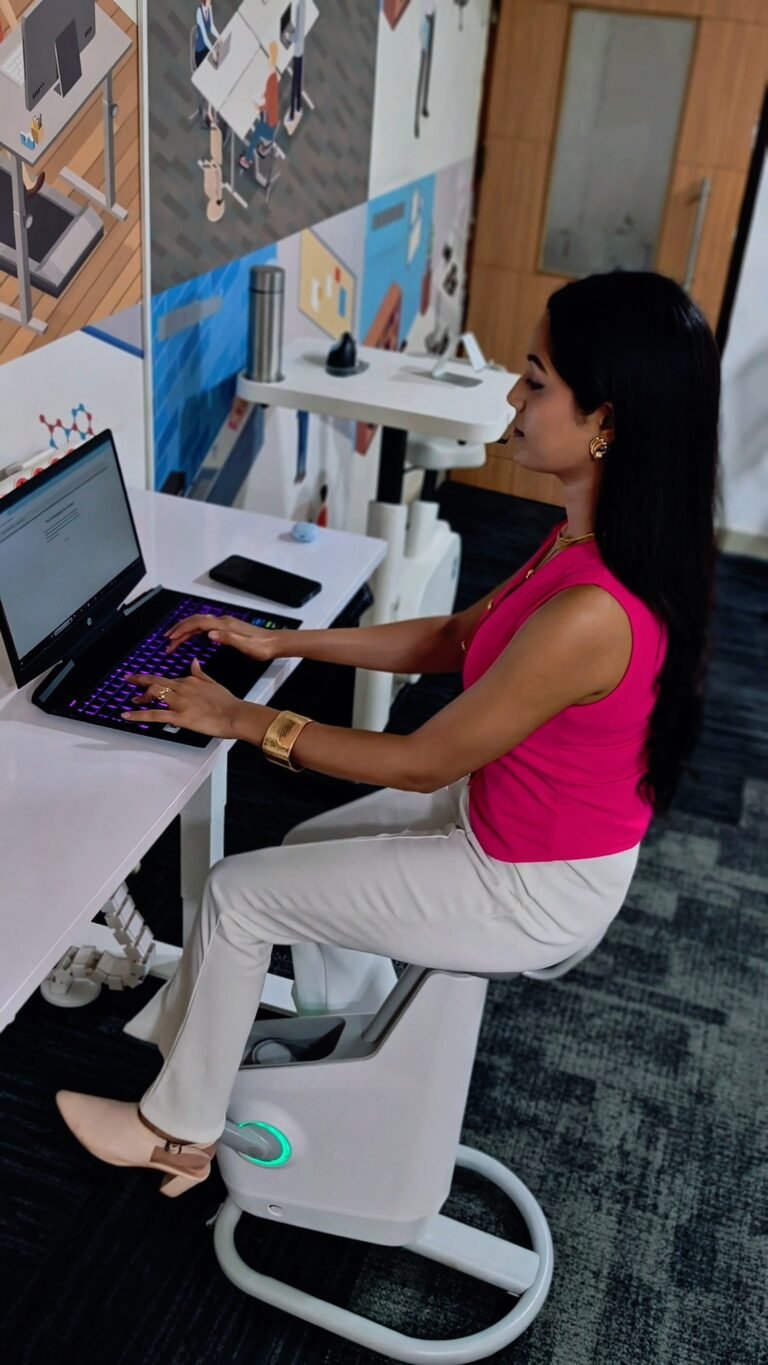
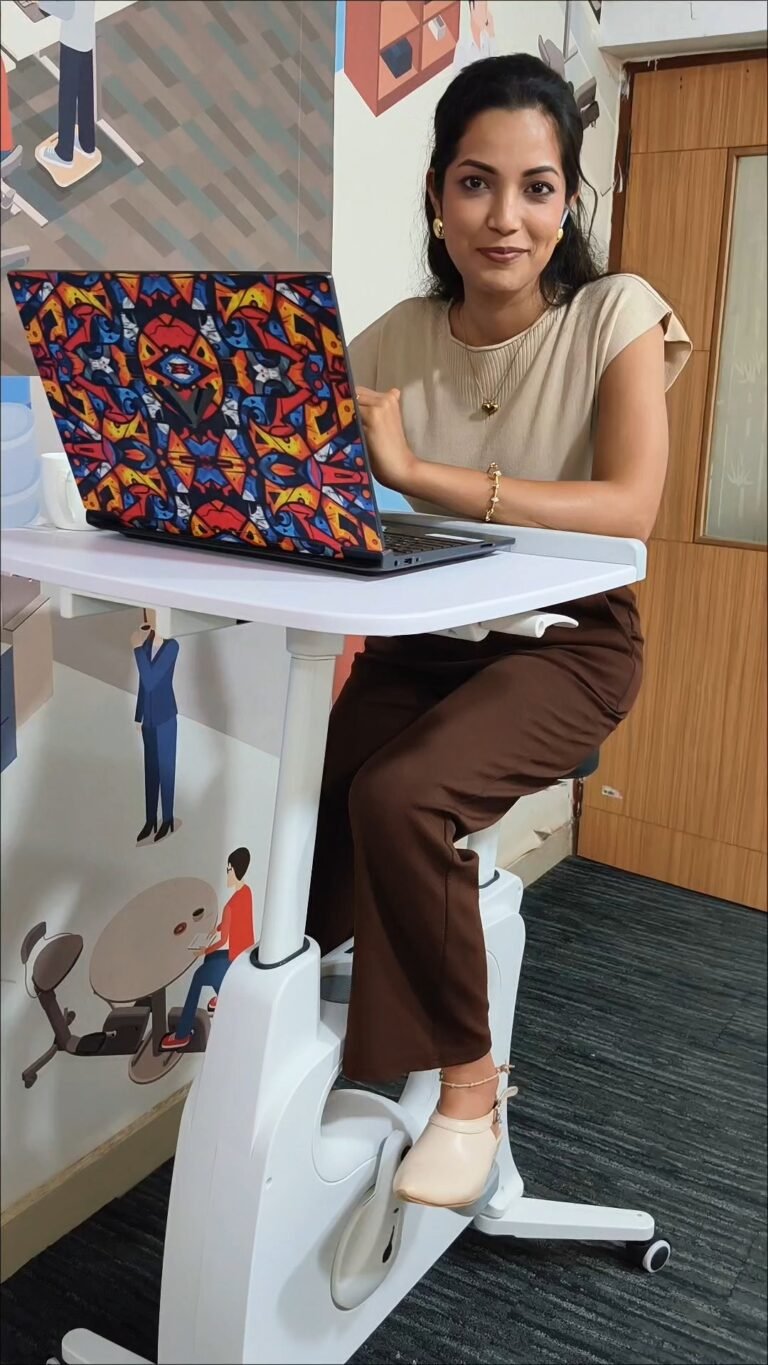
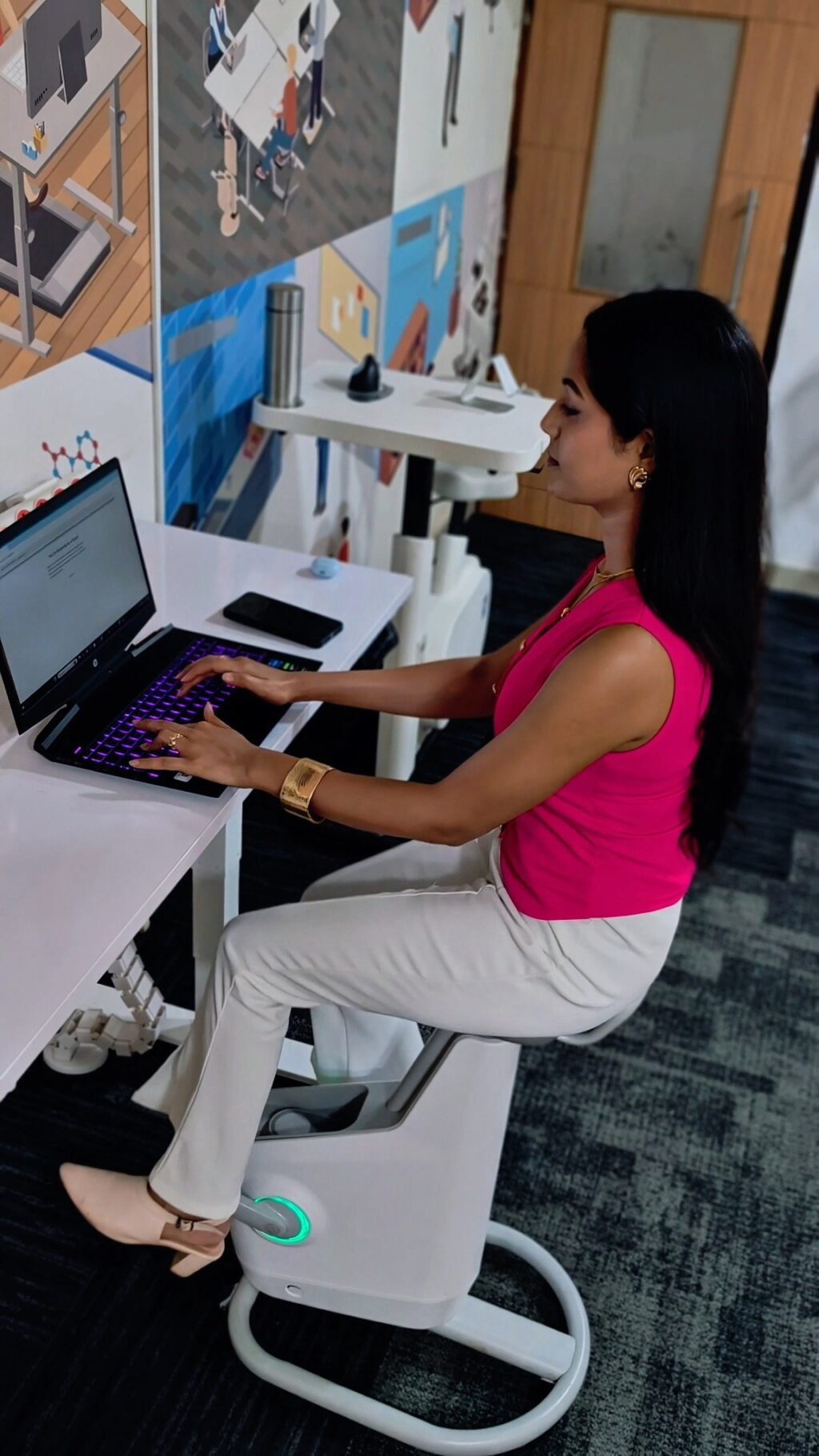
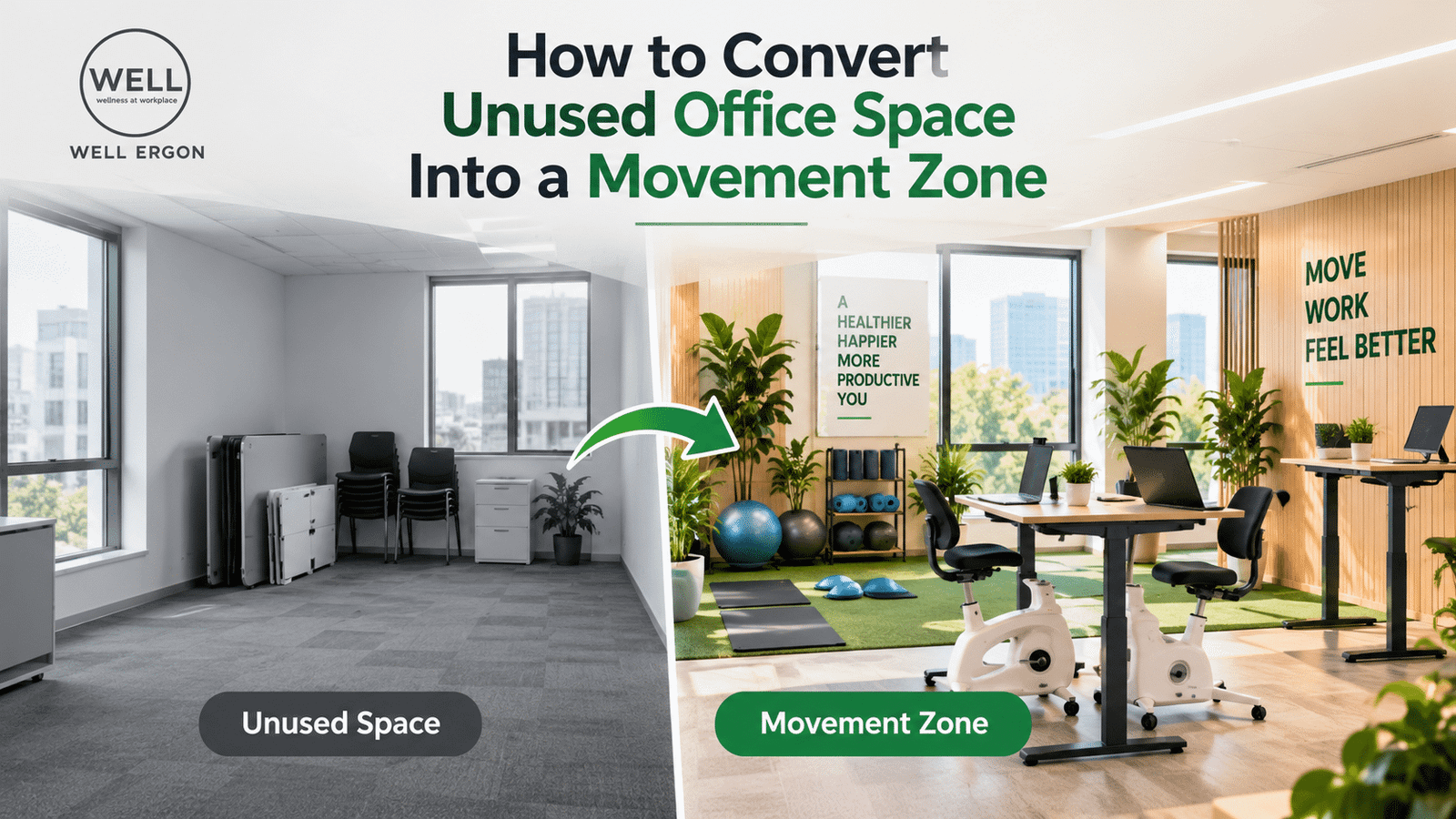
An active zone, by contrast, is a workspace designed to make small, frequent movement the default, not something you have to remember to do. This guide walks through practical, evidence informed ways to convert your desk, chair and surrounding space into one.
1. Start With the Desk: Add a Height Adjustable Option
The single biggest lever for activating a workspace is the desk itself. A height adjustable or standing desk lets you alternate between sitting and standing throughout the day without leaving your workstation.
How to use it well:
- Aim for a sit stand ratio of roughly 1:1 to 2:1 (sitting to standing) across the day, adjusted gradually if you’re new to standing desks.
- Set your desk so your elbows form a 90-100 degree angle when typing, whether seated or standing.
- Use a timer or app to prompt position changes every 30-45 minutes, the goal is transition, not just standing for hours straight.
If a full electric desk isn’t in budget, a desk converter placed on your existing desk achieves a similar effect at lower cost.
2. Choose a Chair That Encourages Movement, Not Just Support
A dead zone chair holds you in one fixed posture. An active zone chair supports micro movements, small shifts in recline, lumbar position and seat depth that keep your muscles engaged.
Look for:
- Dynamic lumbar support that moves with you rather than locking your lower back in place
- Adjustable seat depth and height, so the chair fits your body rather than the other way around
- Recline tension control, so leaning back slightly during calls or reading is easy and supported
The goal isn’t a chair you sink into, it’s one that makes small postural changes effortless.
3. Build in Walk Stations for Low Intensity Movement
For tasks that don’t require fine motor precision, calls, reading, brainstorming, a walking workstation (a slow treadmill paired with a stable desk surface) lets you move at 1-2 km/h while working. This is far slower than exercise pace walking and doesn’t interfere with typing accuracy or focus for most people.
Even without a treadmill desk, you can recreate this by:
- Taking phone calls standing or pacing
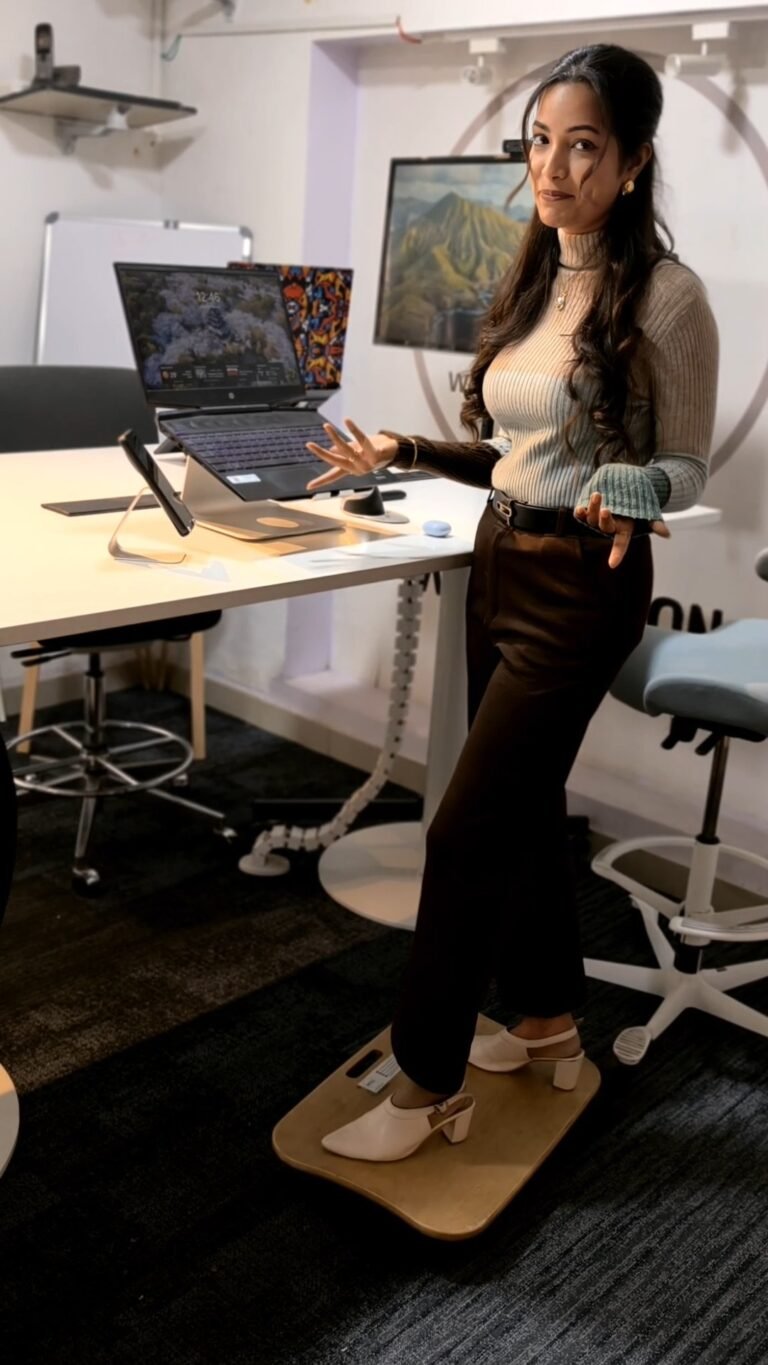
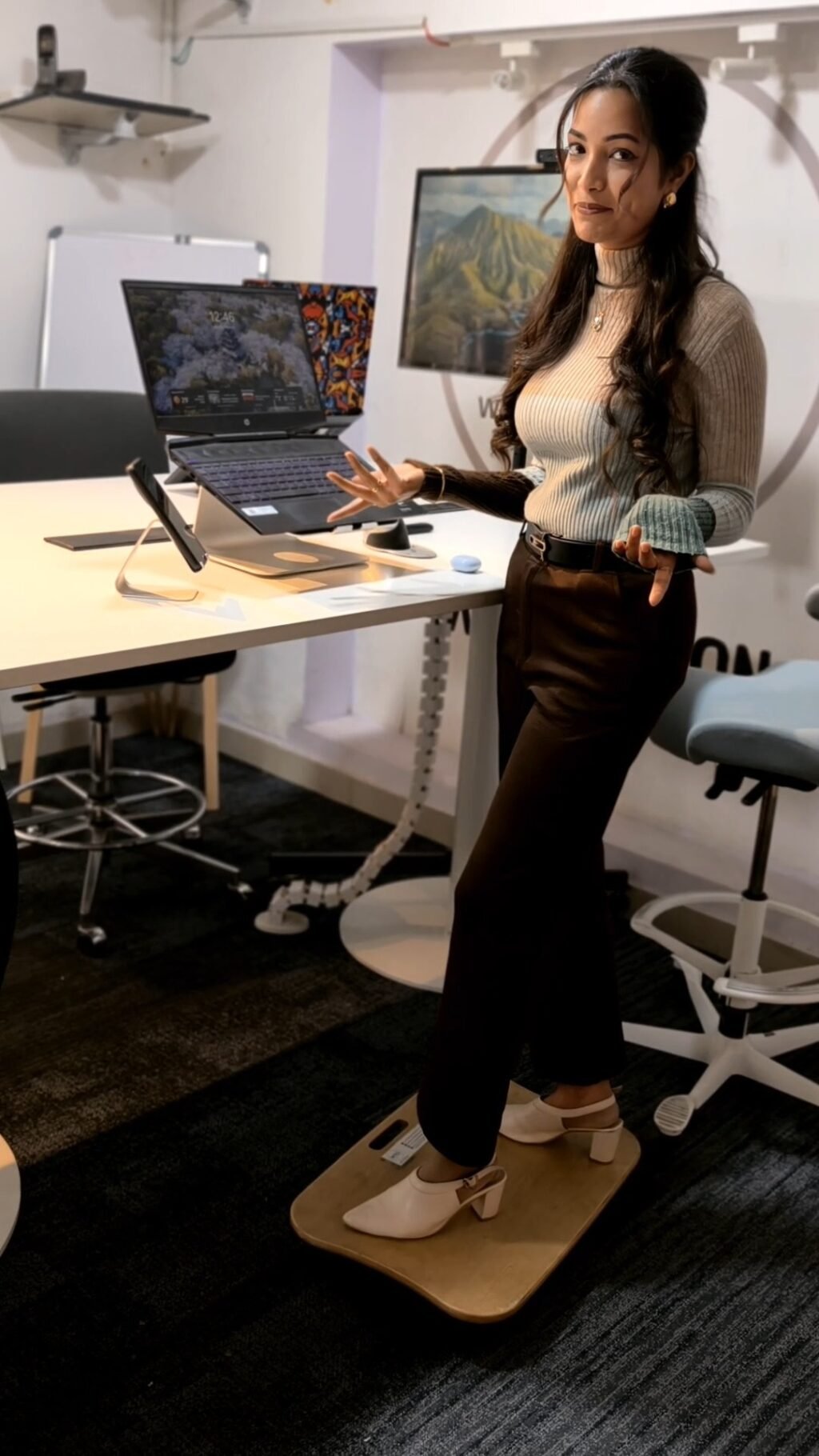
- Using a stability cushion or balance board at your standing desk for brief intervals
- Scheduling walking meetings for one-on-ones where a screen isn’t essential
4. Zone Your Space for Movement, Not Just Furniture
An active workspace isn’t only about the desk, it’s about how your whole area is arranged.
- Keep frequently used items slightly out of reach (printer, water bottle, reference books) so retrieving them requires standing and a few steps.
- Create two working stations if space allows, a standing high table for short tasks and a seated desk for deep focus work, so switching locations becomes part of your natural workflow.
- Add a footrest or anti fatigue mat at standing height to reduce leg fatigue and encourage longer standing intervals.
5. Layer in Passive Movement Cues
Behavioral research on habit formation shows that environmental cues outperform willpower for building consistent movement habits. Practical cues include:
- A visible timer or desk light that changes color every 30-45 minutes
- A water bottle placed across the room, prompting natural walking breaks
- A standing desk set to auto-prompt height changes via app or built in memory presets
Common Mistakes to Avoid
| Mistake | Why It Hurts | Better Approach |
|---|---|---|
| Standing all day, all at once | Causes fatigue, swelling and lower back strain | Alternate sit/stand in 30-45 min blocks |
| Ignoring monitor height when standing | Leads to neck strain | Re-adjust monitor to eye level at each position change |
| Choosing a chair without testing it | Poor fit undermines posture support | Test adjustability (seat depth, lumbar, armrests) before buying |
| Treating movement as an “extra” | Habits fade without built-in cues | Design movement into the furniture and layout itself |
FAQs
How long should I stand at a standing desk each day?
Most ergonomics guidance suggests building up to 2-4 hours of standing spread across the day, not standing continuously. Start with 15-20 minute intervals and increase gradually.
Is a standing desk enough on its own to fix a dead zone workspace?
Not entirely. A standing desk helps, but pairing it with a dynamic chair, movement cues and an intentionally zoned layout has a much bigger impact than any single piece of furniture alone.
What’s the first change I should make if I can only make one?
For most people, upgrading to a chair with proper lumbar and seat-depth adjustability delivers the fastest comfort improvement, since it’s used every single working hour.
Final Thought
Turning a dead zone into an active zone isn’t about a single product, it’s about redesigning your workspace so that movement is the easy, default choice rather than something you have to consciously choose. Start with one change (often the chair or desk), build in cues, and let the rest of your setup follow.
Wellergon designs height adjustable desks, ergonomic chairs and active workstations for exactly this purpose. Explore the range or reach out for a workspace consultation.